Monitor Screen time and limit usage
Tabstinence can remind or restrict screen over use based on various aspects
Stays on this PC
Your data never leaves your computer.
100% freeAll features, no paywalls
No adsNothing selling you anything
No accountNothing to sign up
No cloudStored on your disk
No trackingNobody is watching
Works offlineNo connection needed
Guided tour
Getting Started
01 / 13Tabstinence Features
Tracking
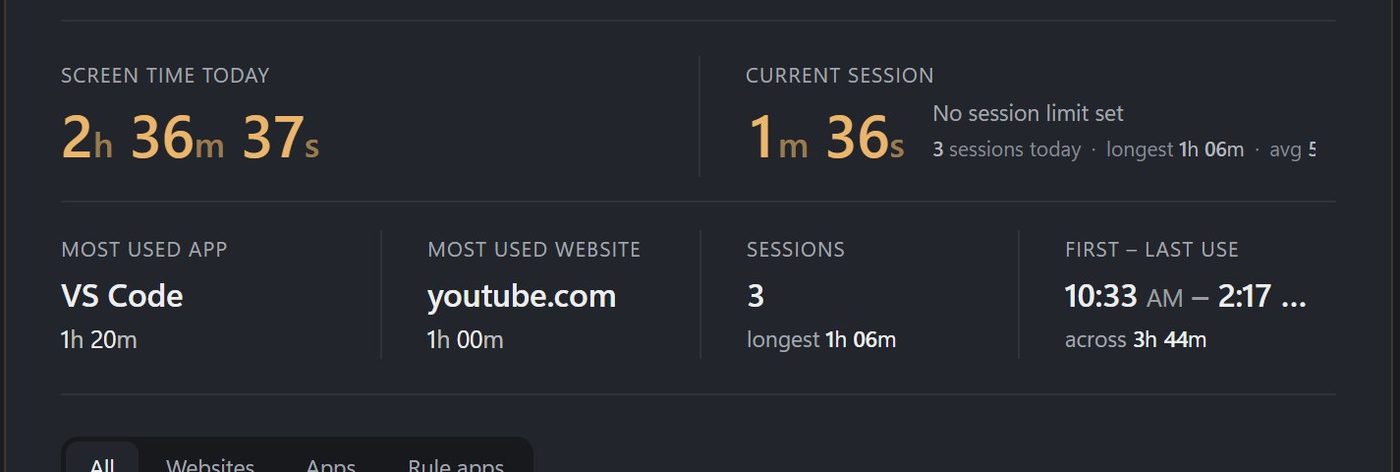
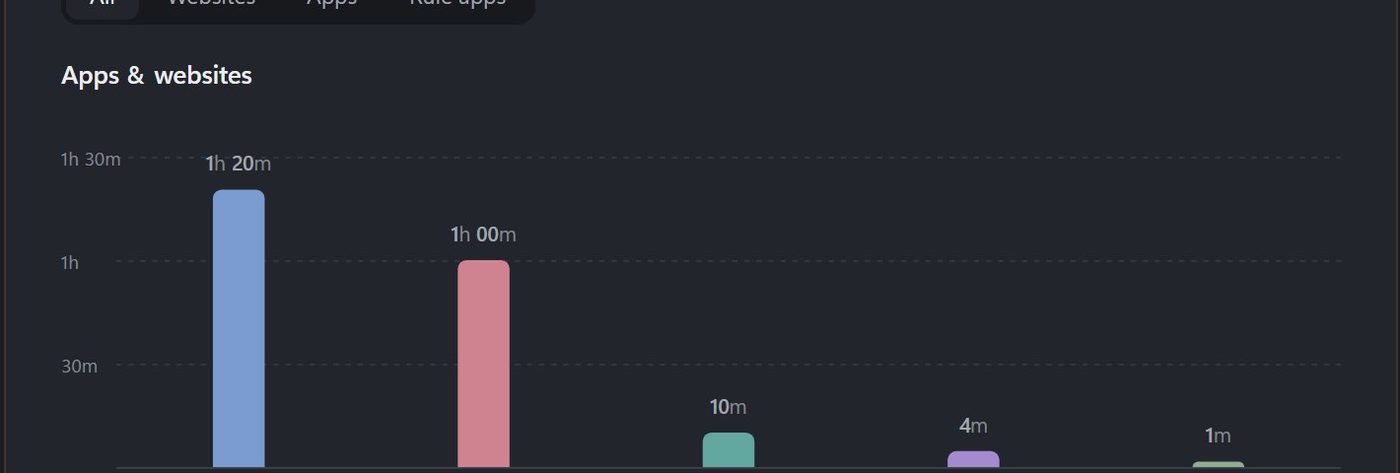
See where your time goes
- 01Every app and sitecounted while you're actually using them.
- 02Today and historyside by side.
Limit in various ways
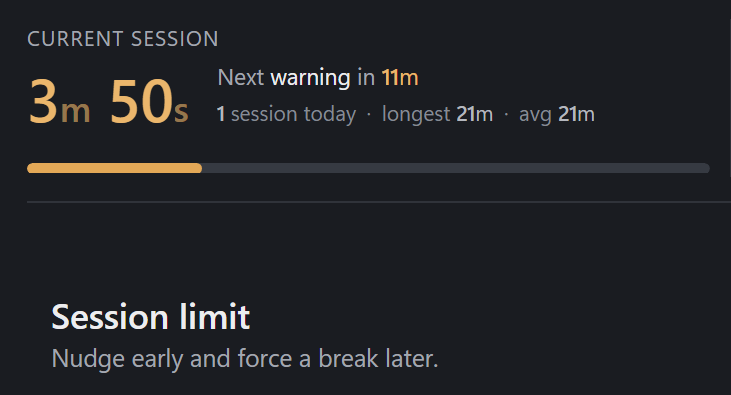
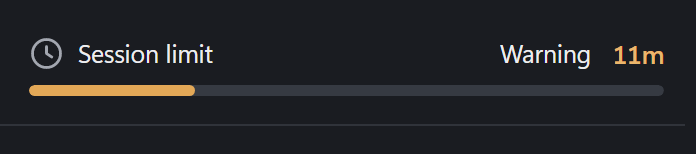
Session limits
- 01Forced breakwhen one stretch of use runs too long.
- 02Nudge earlya warning first; the break only if you keep going.
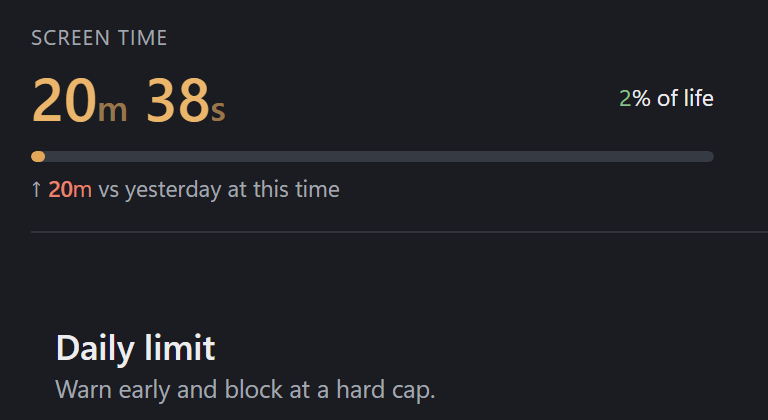
Daily limits
- 01A cap for the whole dayyour total computer use.
- 02When it's spentwarned before, then blocked until tomorrow.
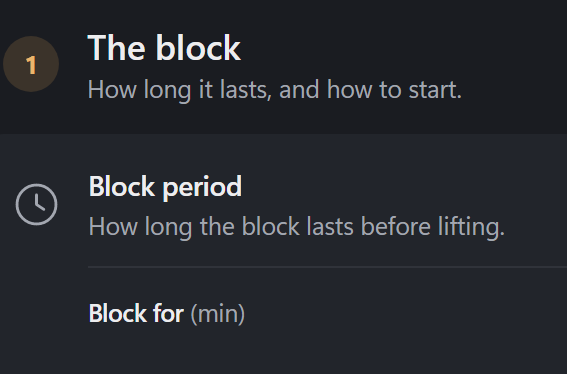
Manual block
- 01A wall right nowfor as long as you pick.
- 02Click or shortcutstart it either way.
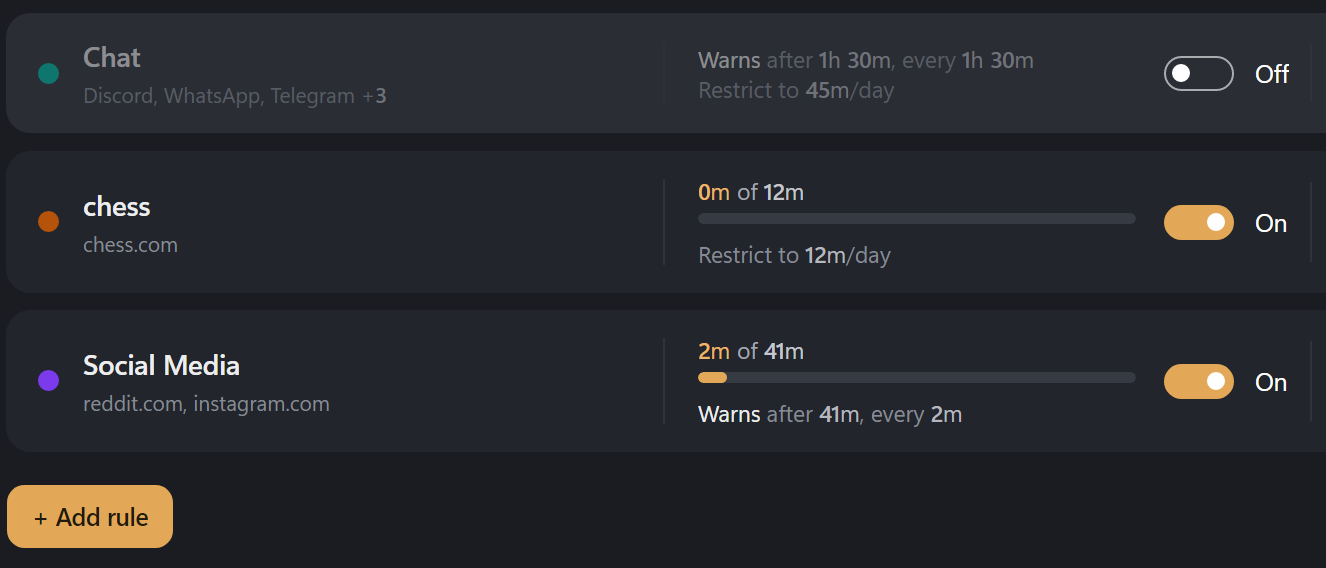
App and website limits
- 01No extension neededwebsites are recognized from the browser window's title.
- 02Groupsbundle apps and sites (social media, say) and give the bundle its own limits.

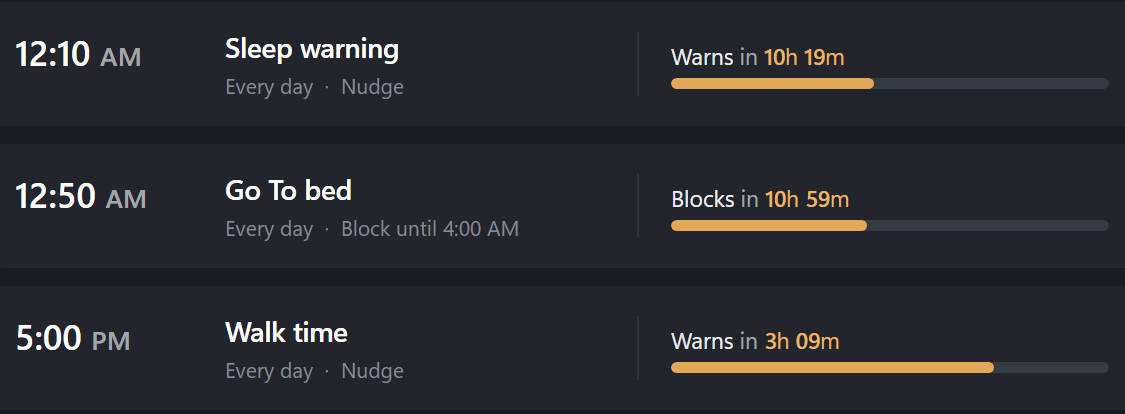
Time based block
- 01Set a timeit starts on its own, on the days you pick.
- 02Bedtimewind down at the same hour every night.
Notify or restrict
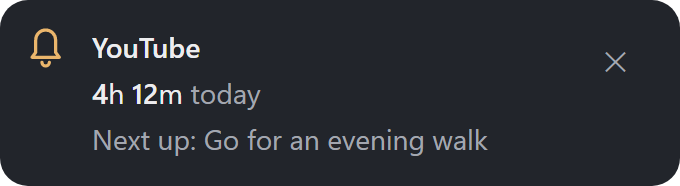
Nudges
- 01A small popupwhen an app or site goes over its limit.
- 02Snoozeif the rule allows it.
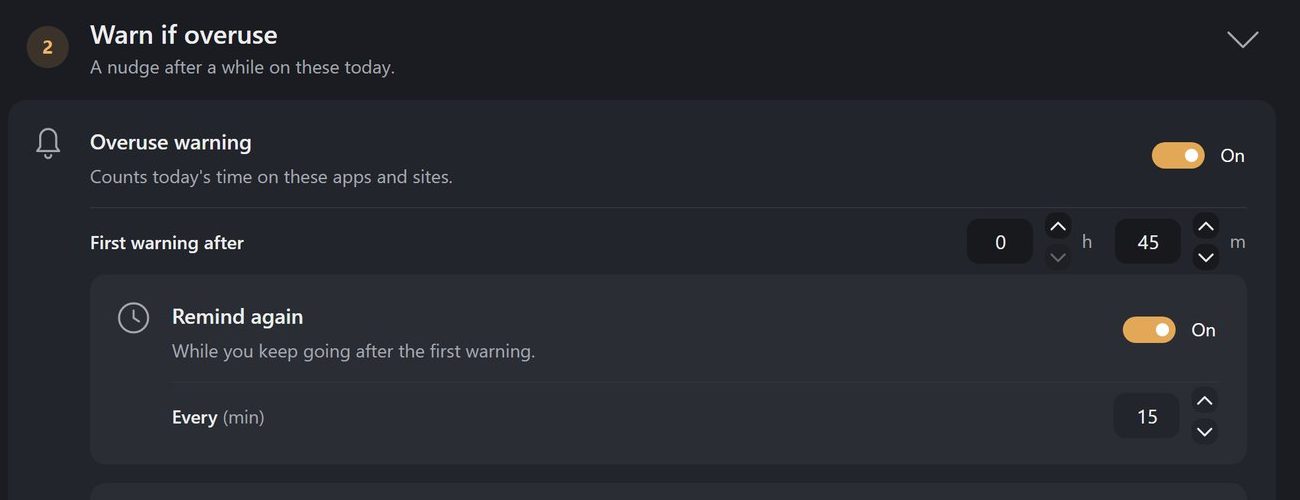
Full-screen warning
- 01The whole screenso it can't be missed.
- 02Alone, or after the nudgeyou pick the timing.
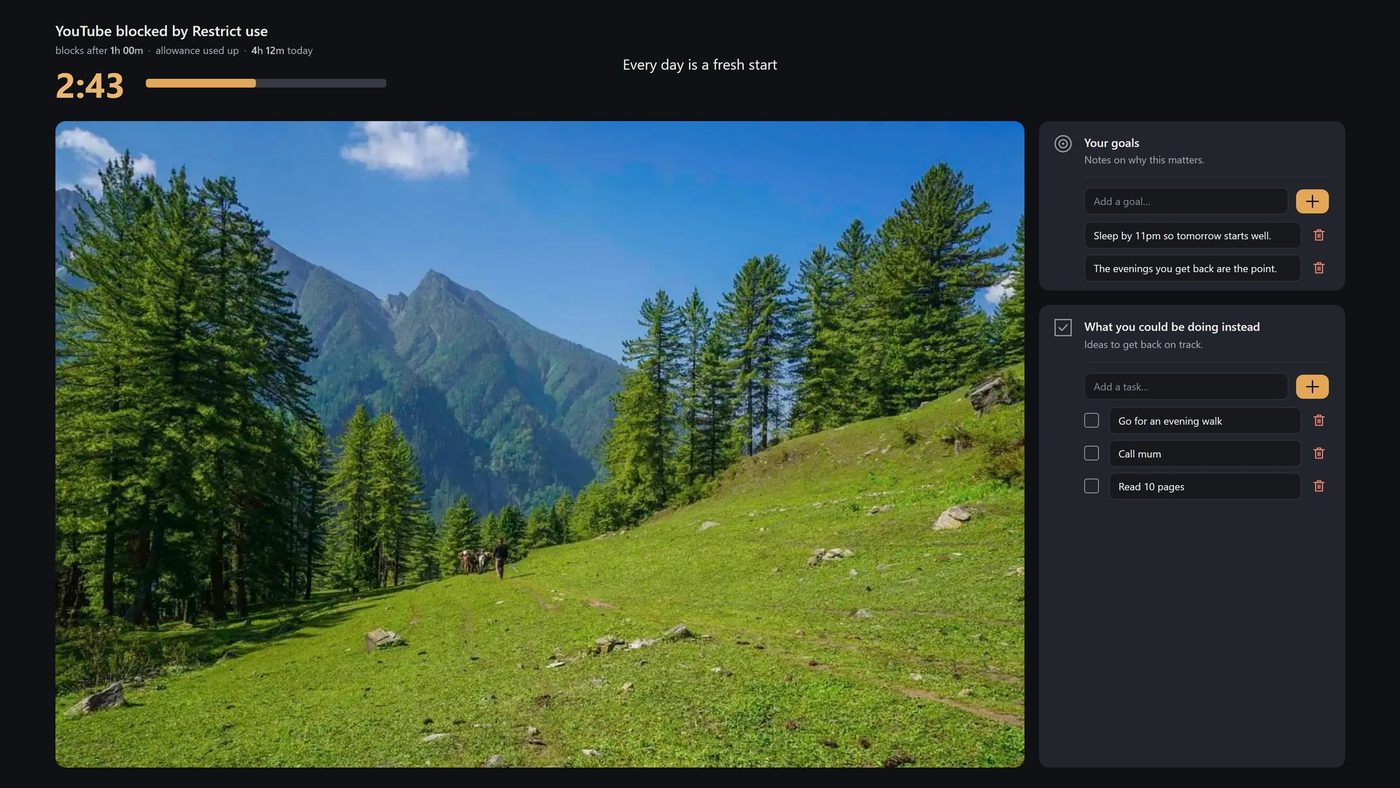
Full-screen blocks
- 01A visible countdownthe block holds until time's up.
- 02Limited snoozesso the wall stays a wall.
Customizability
Your block screen
- 01Pictures, quotes, goalsand a to-do list.
- 02Your own photosor built-in pictures.
Exclusions
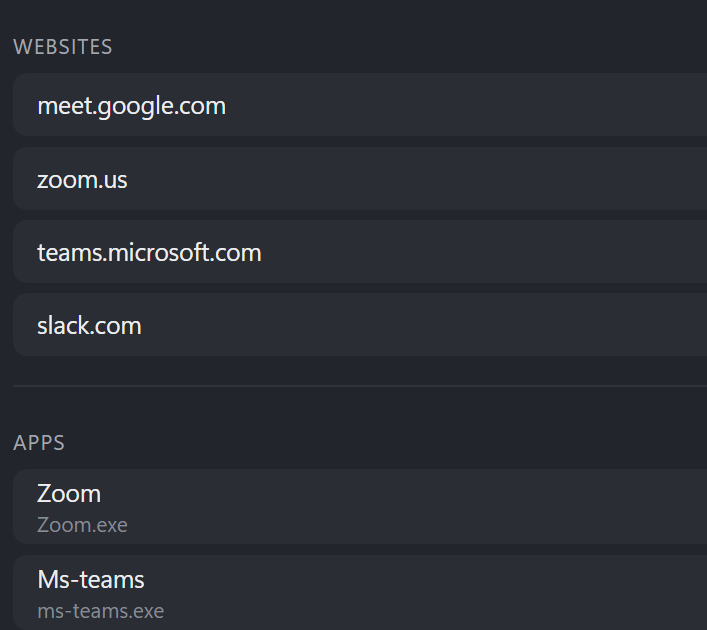
- 01Zoom and Teamsnever warned or blocked.
- 02Custom listadd any app or site by hand.
Advanced features for total control
- 01Portable modeyour data lives beside the app. Move it anywhere.
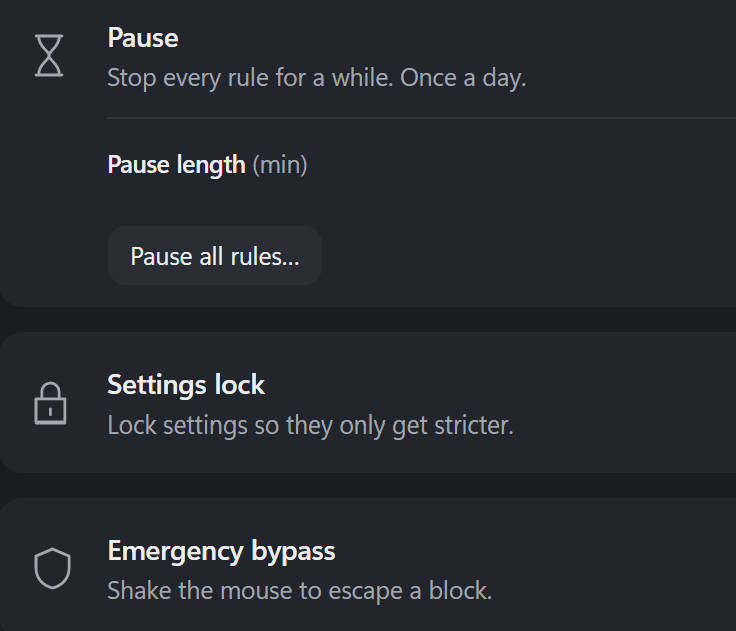
- 02Daily pausestop every rule for up to 30 minutes, once a day.
- 03Emergency bypassshake the mouse to get out of a block. Up to three times a day.
- 04Hard to undoloosening a rule means waiting, then typing a sentence.
Common questions
Where is my data?
One file on this PC. General › Your data shows where. Nothing leaves your computer.
Can it block me with no way out?
No. End a block early by typing its sentence, or use the emergency shake. You can also pause everything once a day.
What counts as screen time?
Only active use. Step away for a few minutes and it stops counting until you're back.
Do website rules work in every browser?
Works in your browser. Tested in Firefox and Vivaldi.
How do I pause everything?
Open General and click Pause all rules. One pause a day, up to 30 minutes.
Does it cost anything?
100% free. Offline. 0 tracking. No ads. If it helps you, you can support development below.
What do I need to install?
Download Tabstinence.exe and run it — nothing else. It lives in the system tray, and can start with Windows.
Support development
Free, private and ad-free — a small gift keeps it that way.
Payments are handled securely by Buy Me a Coffee. No card details touch this site.